
Searching for a Warrant in Tarrant County
First sort the question by court. A city citation belongs to that city's municipal court. A county, DPS, or Sheriff's ticket points to the JP precinct on the citation. A misdemeanor or calendar question may start in Odyssey, where the user selects a location and case type. A felony criminal-warrant question follows the Sheriff's restricted policy and should go through a licensed bondsman or attorney.
Keep the notice, cause or citation number, full name, and date of birth close by. The District Clerk's search is useful for executed documents, not a complete list of unserved arrest warrants. A blank result means only that the chosen system did not show a match.
- Read the notice and identify the court, case type, and number.
- For an executed search or probable-cause warrant, use the District Clerk's public search by its warrant number or person/location information.
- For a court event or misdemeanor case, select the correct location and category in Odyssey. For a ticket, use the city or JP channel named on it.
- Call the issuing clerk when the portal has no result or leaves the status unclear. Use a records request for a document, not as a live status guarantee.
- For a criminal arrest-warrant question, follow the Sheriff's attorney or licensed-bondsman route. Texas has no public all-warrant search.
Tarrant County Warrant Search Has No Single Public Index
The Sheriff states that criminal warrant information is not released to the general public. The county's public systems serve narrower purposes: Odyssey exposes selected case records and calendars, the District Clerk's portal exposes executed warrant documents, and the city portals cover municipal matters. None is a master index for every court and agency.
The Odyssey Public Access screen asks the reader to choose the record location and case type. That first selection shapes the result; it cannot search a different court by accident.
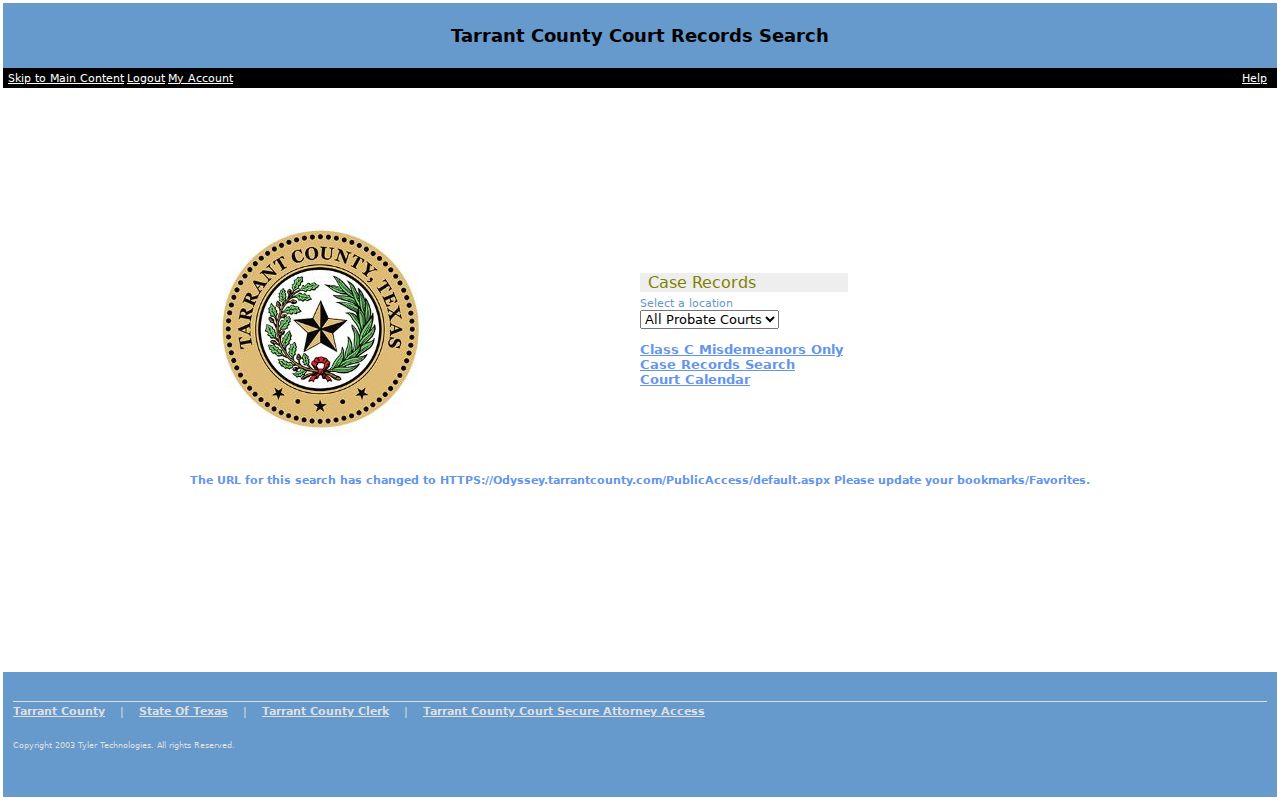
For criminal-warrant confirmation, use the route stated by the Sheriff rather than treating Odyssey as a warrant status tool.
Tarrant County Warrant Search Fields Explained
There is no common Tarrant County form with one set of name and birth-date fields. The documented keys depend on the source. The District Clerk offers a warrant number or person/location route; Odyssey begins with location and case category; city courts request their own citation and identity fields. Required status varies by interface and should not be guessed.
| Channel | Field | Required | Notes |
|---|---|---|---|
| District Clerk | Warrant number | One search route | Searches executed probable-cause and search-warrant documents. |
| District Clerk | Person or location information | Alternate route | Use the clerk's instruction page for the document search. |
| Odyssey | Location and case type | Choose both | Available case records and calendars vary by selection. |
| Grand Prairie | Citation, DL, name/DOB, or plate | Not stated for each field | Detailed results need proper ID or citation number. |
| North Richland Hills | Citation/DOB, DL/state/DOB, SSN/DOB, plate, name/DOB, or business | Portal-specific | Alphabetic fields use the portal's Caps Lock instruction. |
Tarrant County Executed Warrant Search Is Document-Led
The public search at tarrantdistrict.tx.publicsearch.us is tied to executed probable-cause and search-warrant records. It accepts the District Clerk warrant number or associated person/location information. A search return may point to an affidavit or executed document. It does not show every unserved criminal arrest warrant, and a location search does not make the document a personal status check.
Open the District Clerk public search interface to use its document search controls.
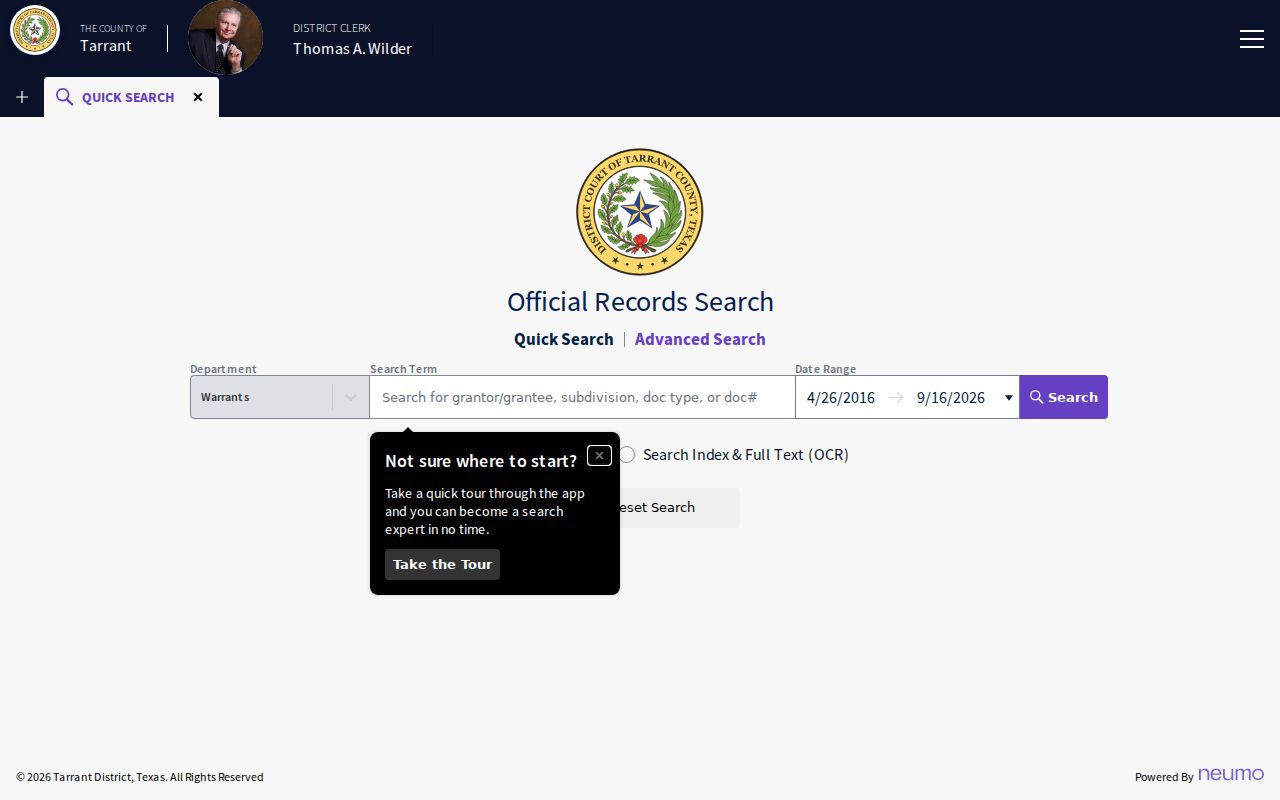
Read the scope before you search, then contact the clerk if a document copy is needed.
What a Tarrant County Warrant Search Shows
Depending on the system, a result can identify the court, cause or citation number, offense, hearing date, amount due, or warrant status. A District Clerk executed-warrant file may instead give document and execution details. A city portal can show only its own case activity. Do not fill a missing field from another system or assume that a similar name is a match.
| Record number | Use the number on your notice; the research found no countywide public format. |
|---|---|
| Case or document | May be a citation/cause record or an executed-warrant document. |
| Court | Location and case type help identify which court's result is being shown. |
| Amount | A fine, bond, court cost, and clerk copy fee are separate amounts. |
| Status | Local labels need confirmation with the court that owns the case. |
Tarrant County OmniBase Does Not Search Every Warrant
Texas DPS's FTA/FTP program can report a failure-to-appear or failure-to-pay hold tied to license renewal. It is not a statewide public arrest-warrant search. DPS says to contact the court that reported the violation; its FAQ says a release can take up to seven business days after court action is processed. A clear license status cannot settle whether a different Tarrant County court issued a warrant.
Use the DPS program page for the hold, and the citation court for the case.
Where to Check Warrants in Tarrant County
The issuer controls the next step. Tarrant County District Court felony files go through the District Clerk; County Criminal Court records have a County Clerk route; county and JP case records appear through Odyssey or the precinct clerk. City ordinance and Class C cases stay with the municipal court. The Sheriff serves and manages criminal warrants but does not release criminal-warrant information to the general public.
For traffic citations, the Sheriff sends the reader to the issuing city or JP court. Tarrant County has no public statewide all-warrant portal. The OmniBase channel only addresses FTA/FTP license holds.
Tarrant County Warrant Search Across Eight JP Courts
JP records are spread across eight precincts. The number on the ticket tells which court to call. The county directory links each JP court's case and traffic lookup options. A JP5 public-information form asks for the case or docket number, request date, contact details, relationship to the case, and a description of the record sought. It directs a requester to contact the court within ten days; it does not set a universal fee.
The JP directory shows the precinct list and links.
Use the court number on the paper, not a city name, to pick the correct precinct.
Tarrant County Warrant Search Access Limits
The Texas Public Information Act sets a request path for public records, with exceptions. It does not compel disclosure of a sealed, juvenile, or sensitive law-enforcement record. Chapter 58 of the Family Code restricts public access to juvenile warrant details. Search-warrant affidavits generally become public after execution under Chapter 18, subject to exceptions. Ask the clerk whether the specific document can be released.
Key Rules:
Chapter 552 requests reach releasable government records; exceptions may protect active investigations or confidential material.
Family Code Chapter 58 provides confidentiality rules for youth records and related warrant material.
The Sheriff's policy restricts public criminal-warrant details. A missing result is not proof that a warrant does not exist.
Tarrant County Warrant Record Request Options
For a releasable Sheriff's record, use its Records Division request instructions or send a focused request through the county PIA portal. Include the record type, approximate date, report or citation number if known, and the office likely to hold it. The Sheriff's page says encrypted email may not open normally and asks for contact details in case staff need clarification.
The Tarrant County request page links JustFOIA and lists mail, fax, email, and in-person options.
Read Sheriff's Records Division instructions
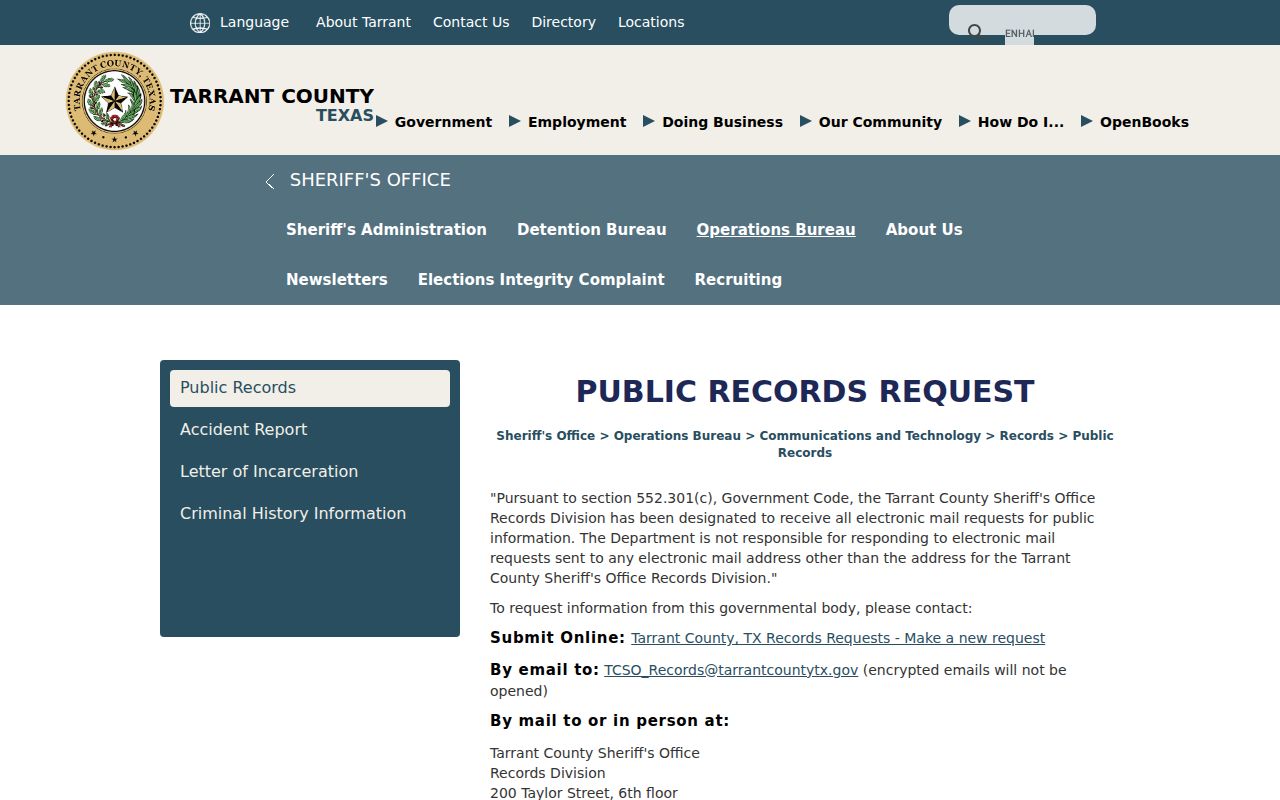
A records response is not a promise of same-day active-status confirmation.